
House of Bid
Our estate sales
Photograph the rooms. Post the estate. Build awareness until enough people are watching, then launch. House of Bid houses the sale on a clock — listing boards do not run the bidding software. You commit to the auction; what sells, sells. Prefer a company to run the sale? Find one on Companies — we do not scrape EstateSales.NET.
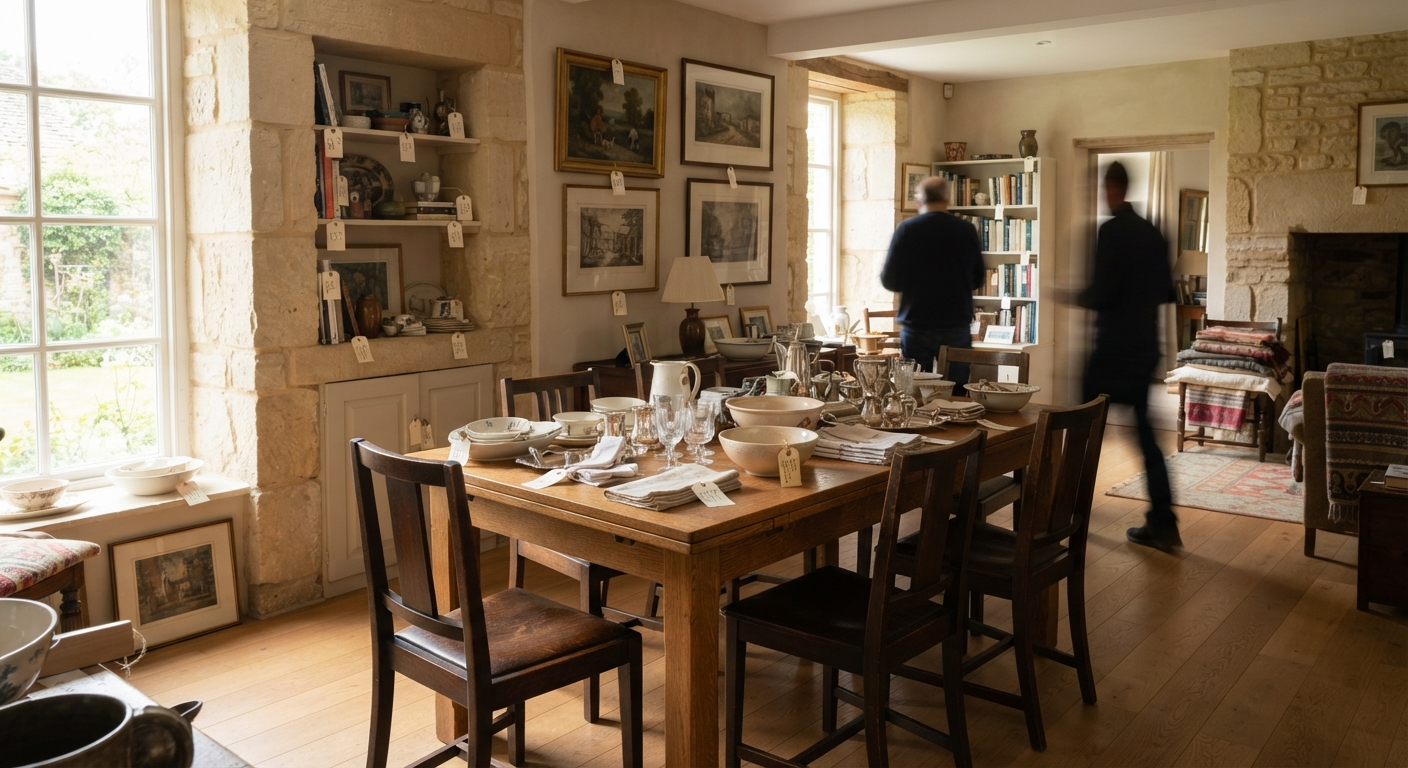







Room by room
Sort with a simple cartoon walk.
01
One room at a time
Start at the door and work clockwise. Do not skip closets. A mixed pile in the hall is how lots get lost.
02
Post-it every object
Yellow sell, pink keep, green donate, blue trash. The color is the decision. Write a short name on the note if two yellows sit together.
03
QR sticker on sell pieces
Our pack, the Amazon pack when that listing is live, or a sheet you print. Stick it where a phone can see it. The code is /t/<code> until someone binds the lot.
04
Photograph in place
Do not move the object after the photo. The sticker should be in frame or on the next shot of the same piece.
05
Bind the tag to the lot
Scan from crew capture or list on Sell. A bound tag opens the lot. An unbound tag tells the scanner it is not in the catalog yet.
Sticker pack
House of Bid QR sticker pack
$24 proposed · 60 stickers · 5 sheets
- 60 QR stickers (five 2×2 sheets)
- Post-it color legend card
- Room-walk card
- Pickup path + seller lot-complete card
The Amazon listing is not live yet. Print the sheet now, or email to order vinyl. Checkout for the physical pack stays gated.
How a family launches
Post. Gather people. Then clock the house.
01
How do I post my estate?
Post your estate
List the house on House of Bid so people can follow it. You are not hauling the contents to a warehouse. Photograph stays in the rooms once inventory starts.
02
Why build awareness before the sale date?
Build awareness
Share the estate and gather watchers. Launch the sale once enough people are paying attention — not on an empty catalog.
03
When do we launch?
Launch the estate sale
When the list has enough people, open the estate sale. That is the public chapter. Inventory can still be added while you prepare for the big date.
04
When do we add inventory?
Add inventory
As you prepare for the sale date, photograph lots in place and add them to the catalog. Do not pile objects in a hallway. Sort with Post-its and QR stickers first.
05
When do we set the auction date?
Set the auction date and preview
Once inventory is finished, set the auction date and the preview window. Default week: preview mid-week, bidding closes Thursday, pickup Friday and Saturday — or make arrangements.
Preview
How should we run previews?
Let people in one at a time during preview. It is slower, and it is the safer walk when strangers are in a private home.
Or keep jewelry, cash, and the pieces you cannot replace in one closed room, and preview the rest of the house.
Preview security is a House of Bid recommendation, not a law and not legal advice. Families choose what fits the house.